Start a Promotion Campaign with Prodvigate: Step-by-Step Guide

Hey creators!
If you’re here, it means your YouTube channel is already more than just a hobby.
Or maybe you’re just getting ready to start blogging and want to do everything right — without unnecessary stress or mistakes.
Either way, we’re glad you found your way to us!
Prodvigate was created with creators in mind: so you can spend your time on creativity and ideas, not on endless ad account settings, digging through analytics, or trying to figure out why the budget is spent but the numbers aren’t growing.
To make sure you don’t miss anything and feel confident every step of the way, let’s go through everything in order — from registration to payment and launching your first promotion.
We’ve made getting started with Prodvigate as clear and simple as possible. Let’s begin!
Step 1:
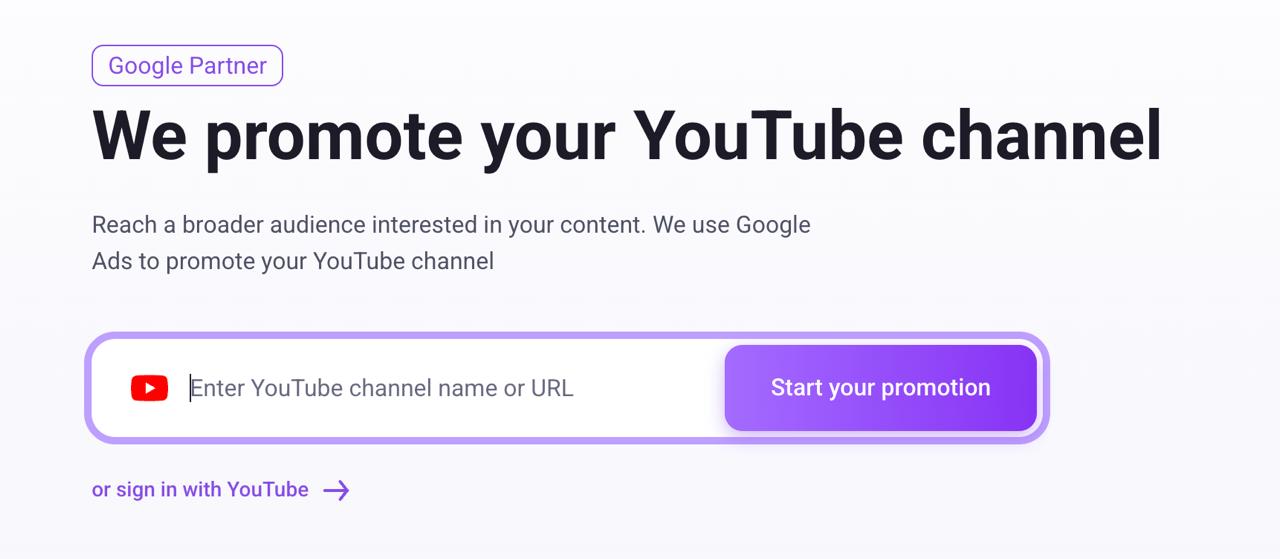
On the main page, you’ll see two sign in options. You can:
- Sign in via YouTube — available for channel owners.
- Add a channel manually by name or link — for those who help promote their colleagues’ or partners’ channels.
If you have access to the channel, click “Sign in with YouTube” and select the channel you want to promote.
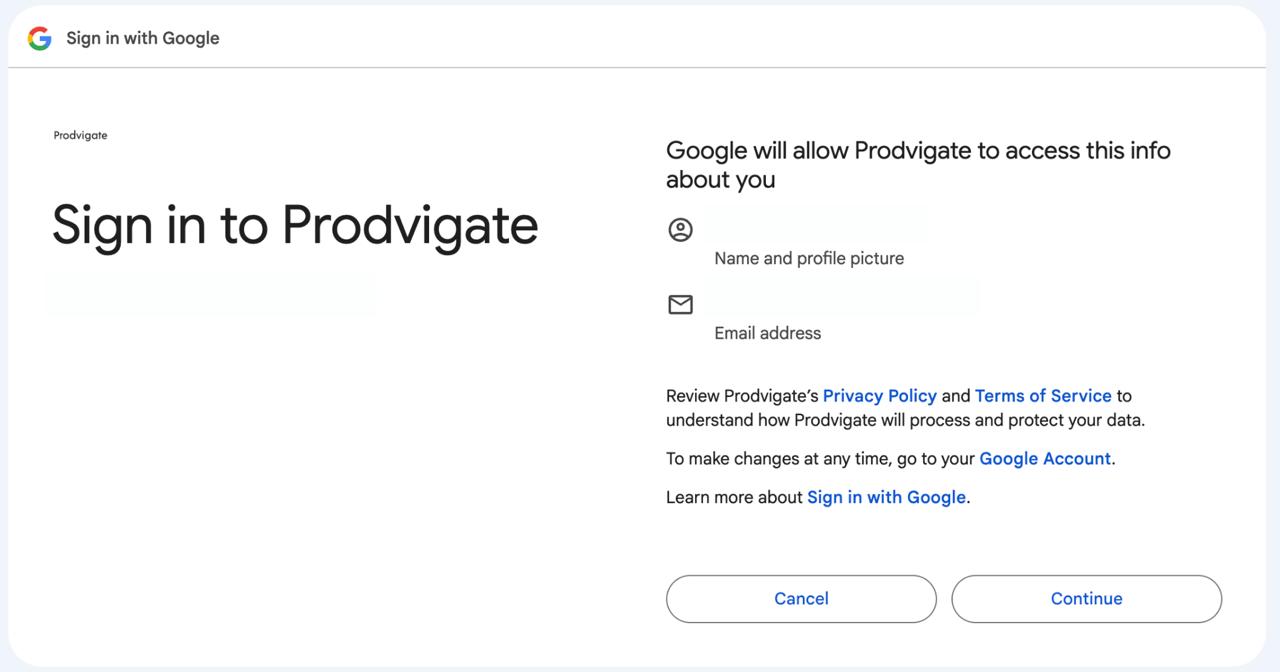
Don’t forget to check the box next to “View your YouTube channel” so we can access your videos and analytics data.
This allows us to promote specific videos and collect statistics, which you’ll later find in your Prodvigate personal dashboard.
-
We guarantee complete security of your channel and use its data strictly for promotion purposes only.
You can restrict access to your channel at any time in your Google account settings.
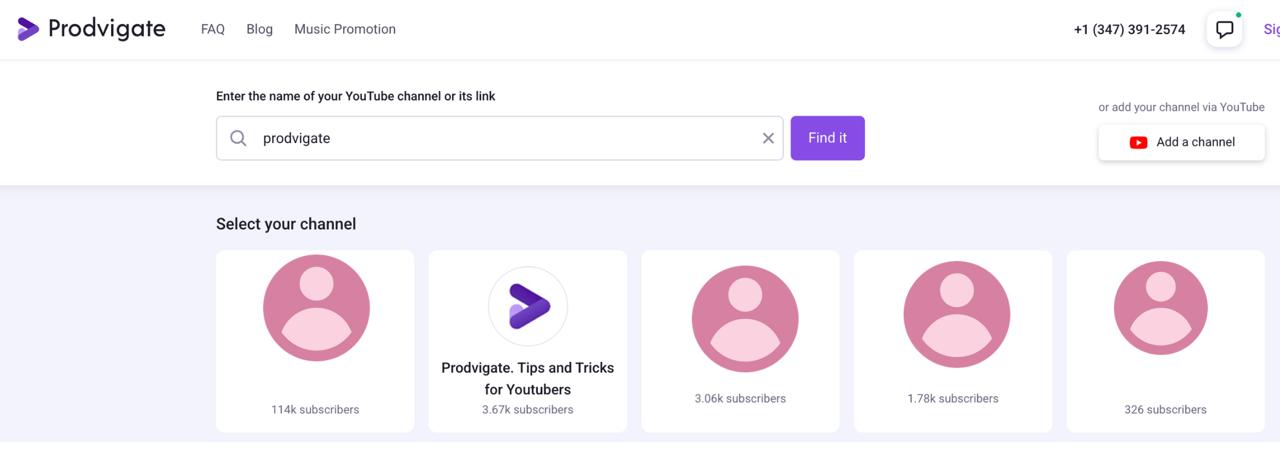
If signing in through YouTube isn’t an option, simply enter your channel link or name in the input field on the main page.
Then, if needed, select your channel from the list and click “Start the promotion.”
Step 2:
Next, our service will ask you to sign in.
If you have already logged in using your YouTube channel, this step won’t be required, and you’ll be taken directly to your personal dashboard.
If you’re promoting a channel by link or name, you’ll need to register.
To do this, enter your email address, create a password, or sign in using any other convenient method.
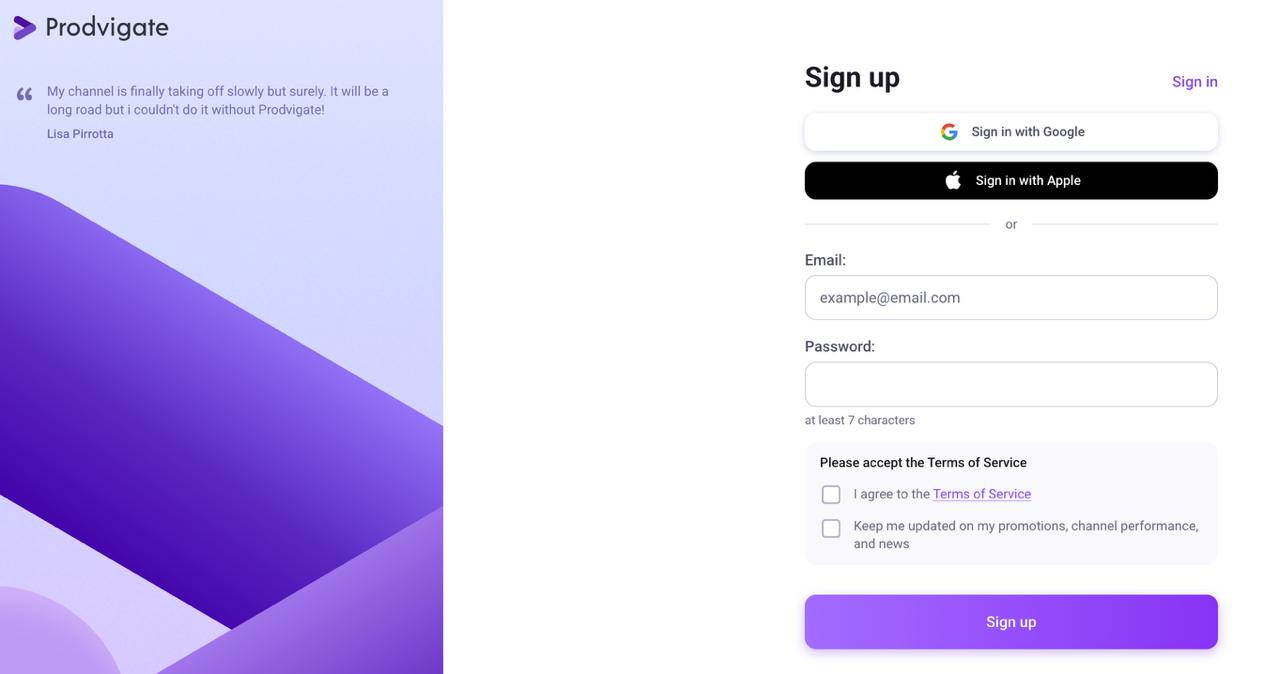
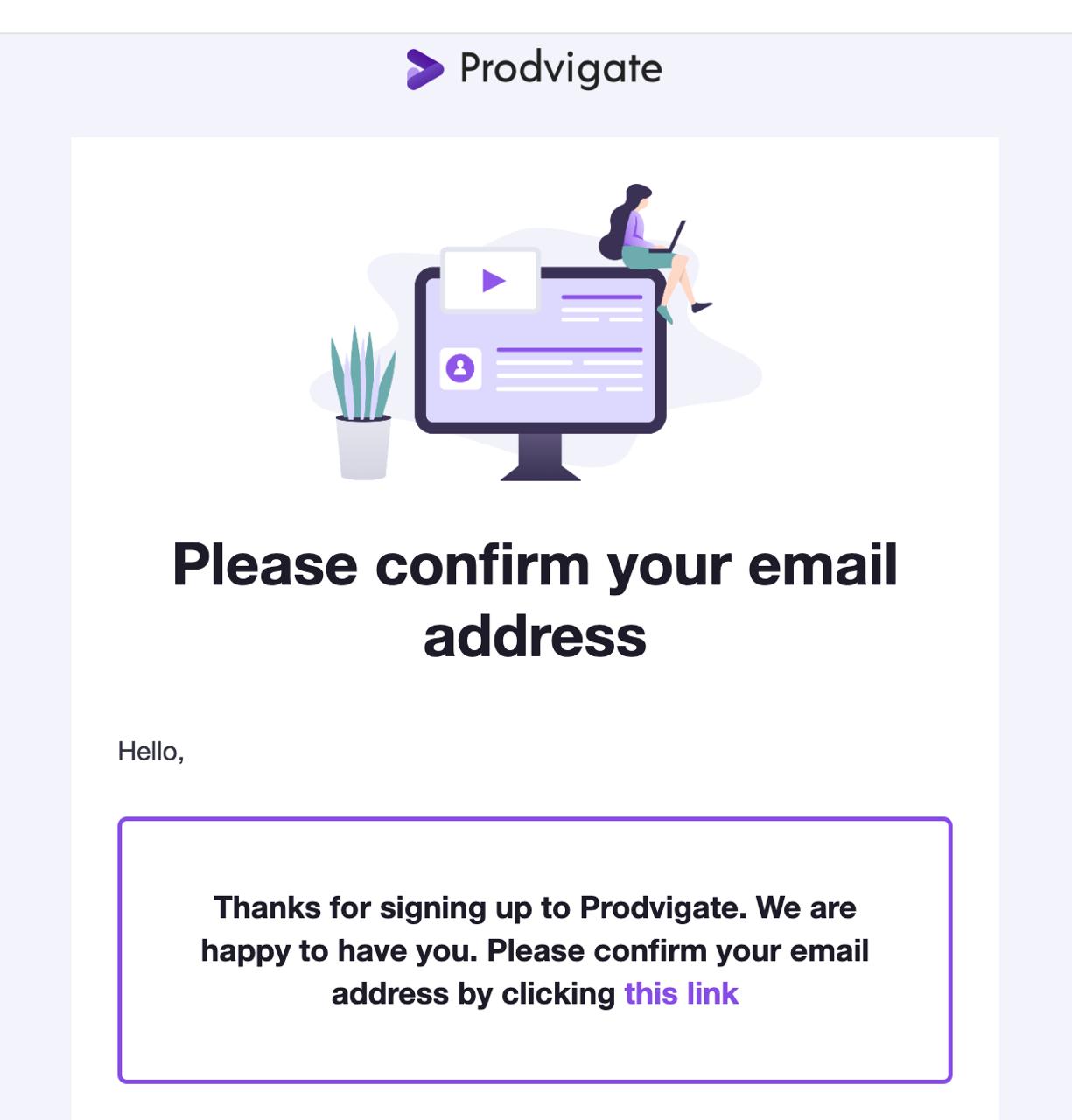
As soon as you register, you will receive a confirmation email with a link that you need to click for the confirmation.
Step 3:
After successfully logging in, you will be redirected to your personal dashboard. Here, you can view statistics, launch promotions, and track your advertising budget.
To ensure your videos reach highly interested viewers who are likely to stay with your channel long-term, we recommend starting with the “More Interactions” package.
This method is built on the Prodvigate AI system, which leverages advanced Google Ads optimization algorithms available exclusively to official partners.
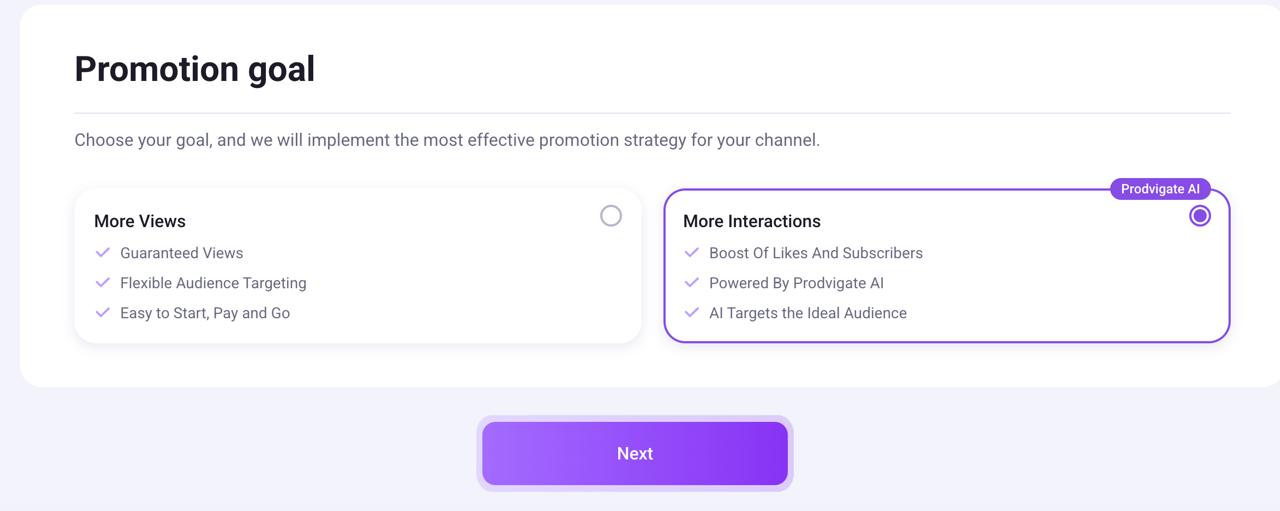
If you already have a base of loyal viewers and want to reach more new people, we’ll help you expand your audience.
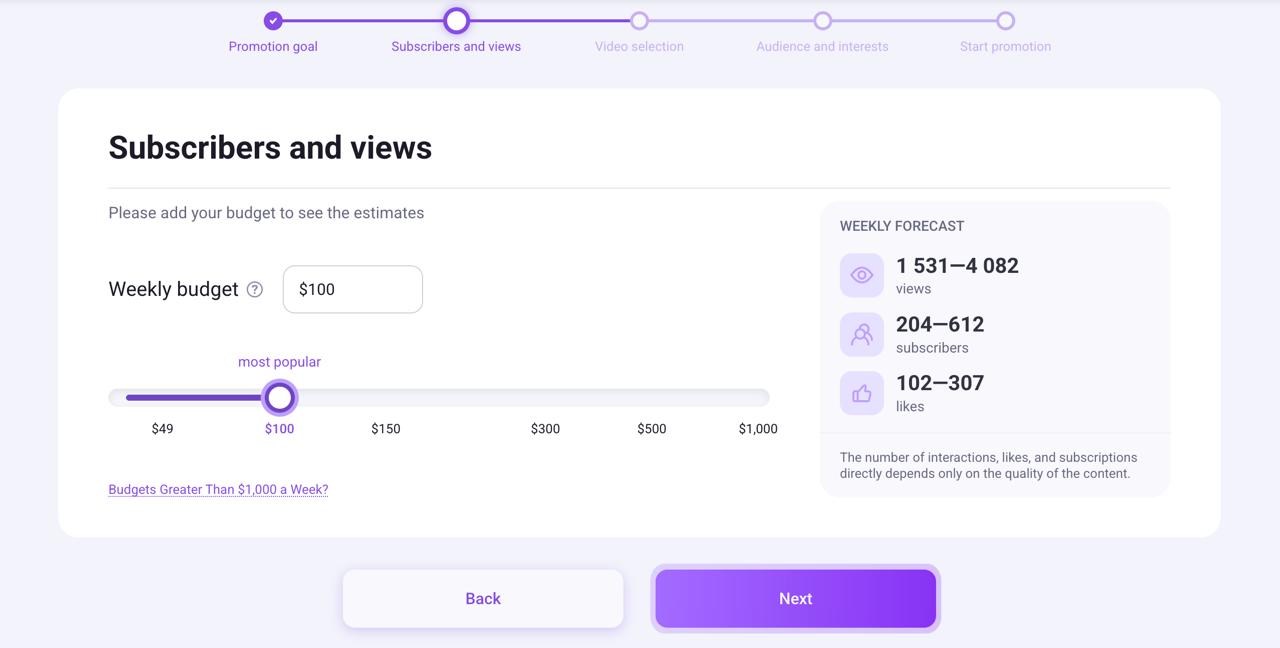
The minimum cost for promoting a channel for one week is $49.
You set the budget yourself by choosing the amount you’re ready to spend on promotion per week. The higher the budget, the more activity your channel will receive.
On the right side of the settings, you’ll see a projected results estimate to help you decide on your spending.
Step 4:
There are three ways to launch a video promotion:
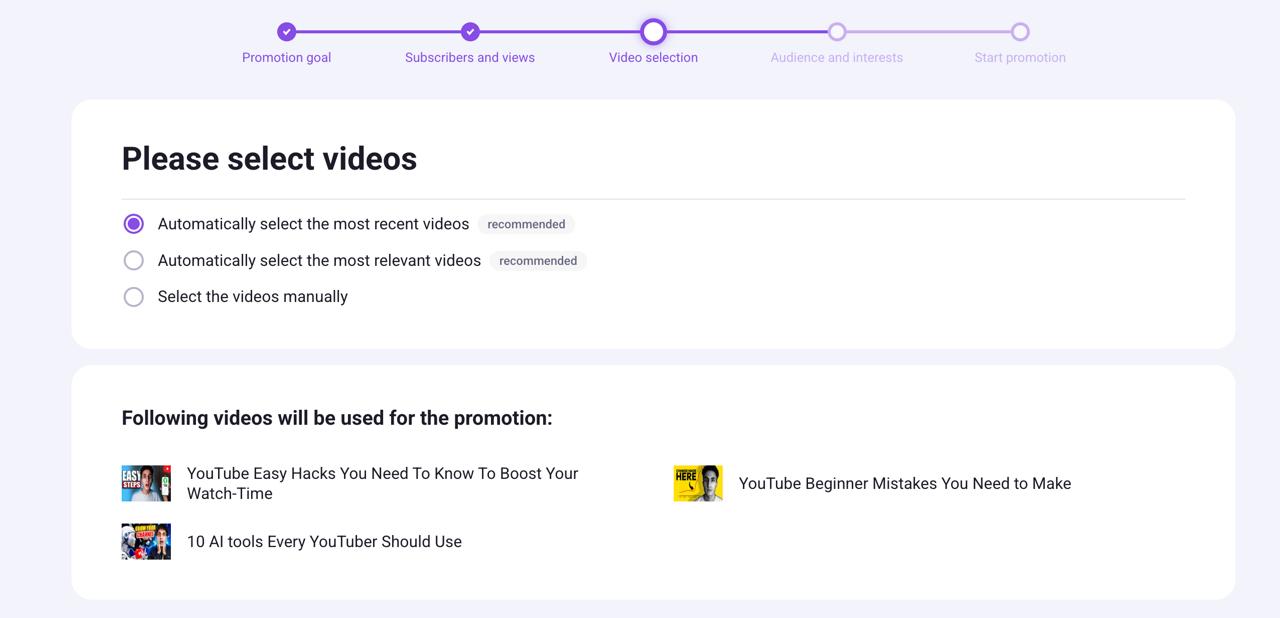
Lets discuss the selection here in details:
Automatically Select the Most Recent Videos
-
Promotes your latest uploads
-
Great for channels that post regularly
-
Helps boost fresh content quickly
Automatically Select the Most Relevant Videos
-
The system chooses videos with the highest potential
-
Based on performance and audience engagement
-
Ideal for growing subscribers
Select Videos Manually
-
You choose exactly which videos to promote
-
Perfect for launching a specific video
-
Best for product releases or important announcements
Step 5:
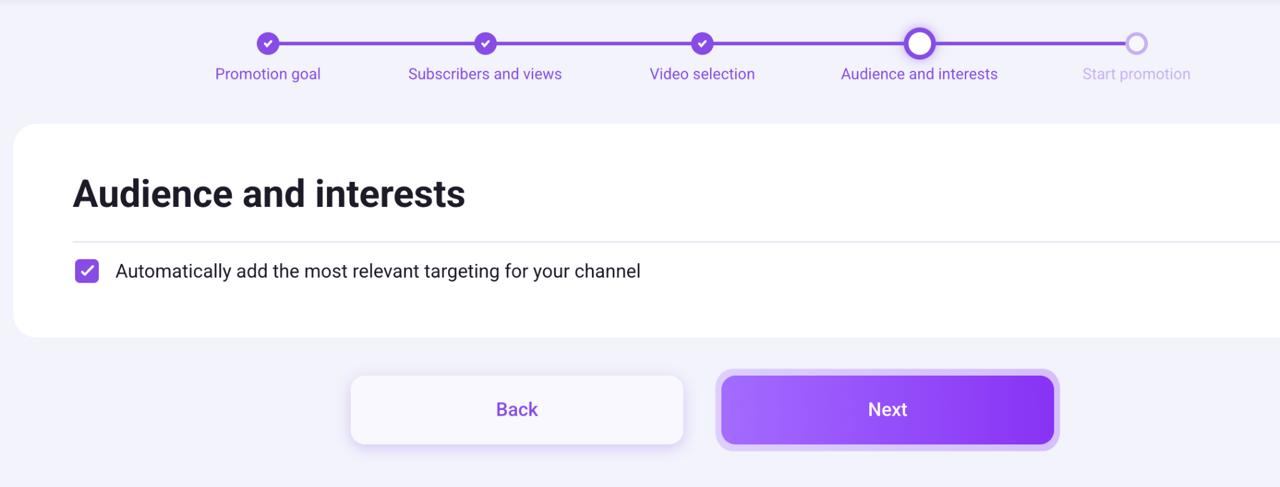
Next, you need to define the audience for your video.
We recommend using automatic targeting — this ensures your promotion is effective.
Prodvigate’s smart algorithms will analyze your channel, select an audience based on interests, and show your video only to viewers who are likely to stay with your channel long-term.
If you prefer to set up the promotion manually, simply uncheck the box. You will then be able to choose the geography, audience, and channel topics yourself.
Step 6:
Once you’ve reviewed all the data and selected settings, you can proceed to payment.
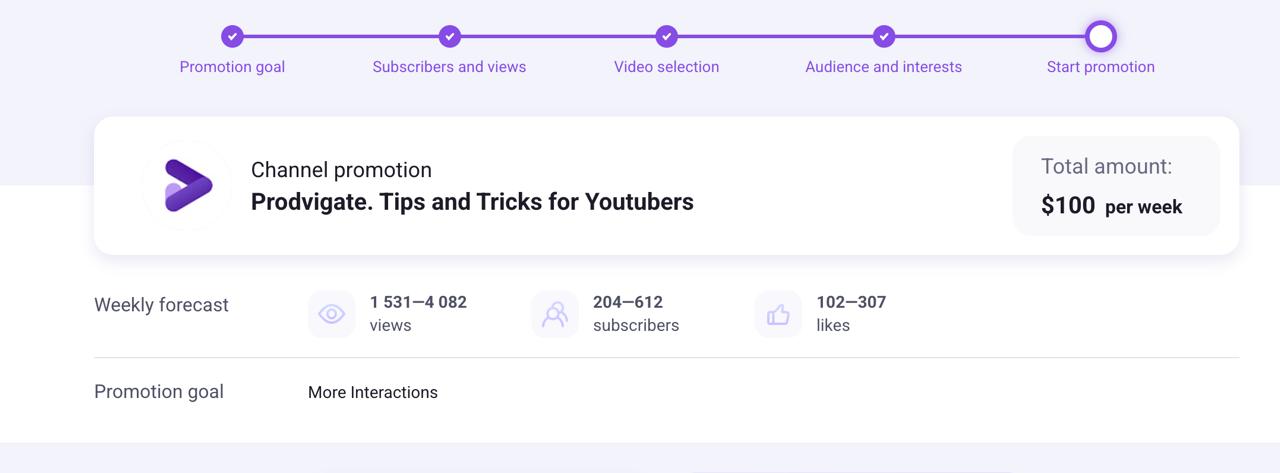
You can make a payment using any of the methods including debit/credit cards or PayPal.
Step 7:
That’s it! All that’s left is to wait for a brief moderation, and your promotion will be automatically launched.
Now, viewers will find you in search, see your videos among similar content, and get recommendations.
To give you peace of mind, we’ll stay in touch after the launch.
And remember: YouTube values viewers who watch for a long time and keep coming back.
That’s why audience quality is more important than any numbers. Prodvigate attracts people who are genuinely interested in your videos.
Start now — and watch your channel grow naturally and steadily!