The campaign covers one video, not the whole channel
Impressions begin as soon as Google approves the campaign
Targeting is optional — the automatic setting works out of the box
Budgets from $20
Spend is visible in the dashboard while it happens
An unspent balance can be refunded
Chat and email support during setup and after launch
Promoting one video: common questions
Can I promote just one video instead of the whole channel?
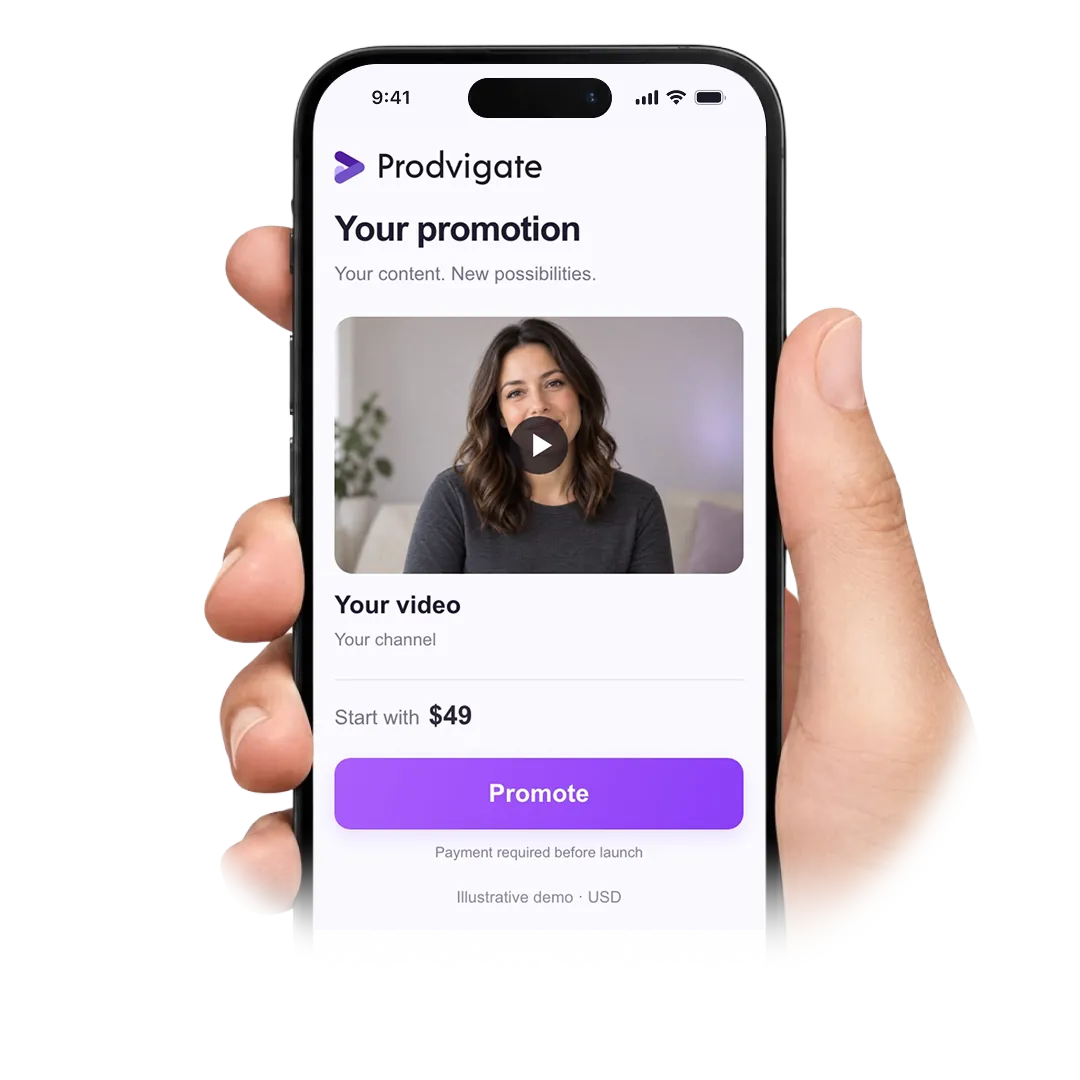
Yes — that is what this page is for. The campaign is built around one video URL and spends only on that video.
How quickly does it start?
The campaign goes to Google for review right after payment. Review normally takes a few hours and occasionally up to a day; impressions begin as soon as it clears.
What do I need to provide?
The video URL and a payment method. Targeting is optional, and you never have to connect your YouTube account.
How much should I put behind one video?
Budgets start from $20. A larger budget simply means more impressions — how many people watch to the end still depends on the video itself.
Where will the video be shown?
On YouTube: before or during other videos, next to the video someone is currently watching, in search results for related queries and in the mobile home feed.
Can I see the budget being spent?
Yes. The dashboard updates while the campaign runs, so you can follow impressions, views and the remaining balance without waiting for a report.
Do I have to configure targeting myself?
No. Automatic targeting is applied by default. If you know your audience, you can set countries, age, gender and interests before launching.
Can I stop the campaign halfway through?
Yes, at any point. Delivery stops and whatever is left of the budget stays on your account, where it can be refunded or used for another video.
What happens if the video is not approved?
Google will not serve a campaign that conflicts with its advertising policies. Nothing is spent in that case — the balance stays with you and our managers explain what needs changing.
Do the views stay on the counter?
Views delivered through Google Ads come from people who chose to watch, so they are not affected by the clean-ups YouTube runs against artificial engagement. Minor adjustments to a counter are normal on any YouTube video.
Can I run several videos at once?
Yes. Each video gets its own campaign and its own budget, and they are listed separately in the dashboard so you can compare them.
Who do I contact if something goes wrong?
Open the chat on this page or email support@prodvigate.com — the same team handles setup questions and billing.
Paste the video link and see what a budget covers
Do you have further questions?
Please contact us via or email at support@prodvigate.com We will be happy to assist you!
 53K+ Channels have launched campaigns with Prodvigate
 1B+ Ad views reported through YouTube Ads
 590K+ Promoted