53K+Channels have launched campaigns with Prodvigate
1B+Ad views reported through YouTube Ads
590K+Promoted videos
Why Prodvigate
You’ve already created the video — the hard part is done
Prodvigate promotes your channel to viewers who are more likely to watch, engage, and explore it through official YouTube Ads.
Prodvigate is a Google Partner
Prodvigate promotes your YouTube content by running ad campaigns via Google Ads on your behalf
What the promotion looks like
Your video here
Your channel name
Your video here
Your channel name
YouTube Suggestions
Your video here
Your channel name
Your video here
Your channel name
YouTube Search
Your video here
Your channel name
Your video here
Your channel name
YouTube In-stream
How a YouTube Ads campaign works
Campaign setup
A campaign needs three things: the content to advertise, an audience definition and a budget. We assemble all three inside Google Ads.
Auction and budget
Advertising space is bought in an auction rather than at a fixed rate. Your budget sets the ceiling; what a single impression costs depends on the audience you are bidding for.
Review and delivery
Google reviews every campaign before it starts. Once it is approved, ads are served on the YouTube surfaces that match your targeting.
Reporting
Impressions, views, spend and audience breakdown come back from Google Ads and appear in your Prodvigate dashboard.
About us
Trusted by 53k+ YouTube channels
Why go through Prodvigate
Partner status
Prodvigate is a Google Partner and has taken part in the Google Partners Acceleration Program. Campaigns are placed through official Google systems.
No console to learn
Google Ads is an interface built for agencies. You give us the channel, the audience and the budget — the campaign structure is our job.
Ongoing adjustment
Targeting and creatives are not set once and left alone. While the campaign runs, the parts that underperform get replaced.
Run YouTube Ads without the Google Ads console
Campaigns built by a Google Partner
In-Stream and Suggestions placements
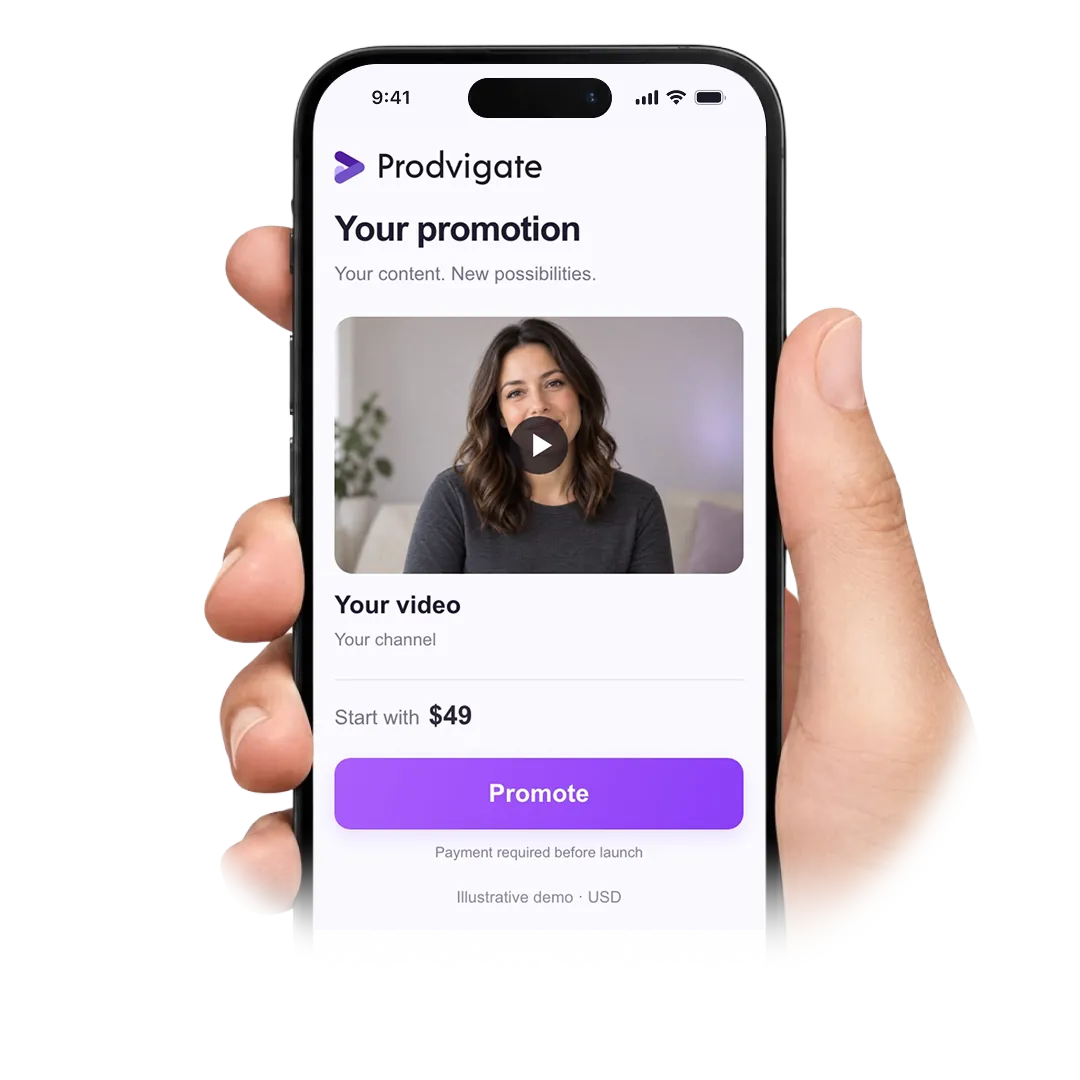
Budgets from $49 a week
Campaigns built by a Google PartnerIn-Stream and Suggestions placements
Ads are placed through Google Ads, the platform’s own system
In-Stream and Suggestions placements on YouTube
Audience defined by country, age, gender and interests
Entry budget: $49
The cost of an impression is set by auction, not by a price list
Card, PayPal or account balance
Support from people who set these campaigns up every day
YouTube Ads explained
What are YouTube Ads?
They are the advertising formats YouTube sells through Google Ads. Instead of hoping the platform recommends your video, you pay to have it shown to an audience you define — by country, age, gender and interests.
What is the difference between In-Stream and Suggestions?
In-Stream plays your video before or during someone else’s, and can be skipped. Suggestions shows a thumbnail alongside the video being watched, in search results and in the mobile feed, and the viewer chooses whether to open it.
Do I need my own Google Ads account?
No. We run the campaign on your behalf from our side, which is what a Google Partner is set up to do. You work with the Prodvigate dashboard instead of the Google Ads console.
How is the price of an impression decided?
By auction. Every advertiser bidding for the same audience competes for the same slot, so the cost moves with demand. Your weekly budget is the ceiling; it is not a fixed rate multiplied by a number of views.
What does being a Google Partner mean?
It is a status Google grants to agencies that meet its requirements for certification and spend. For you it means the campaign is placed through official Google systems by a team Google recognises.
Can I advertise a brand channel rather than a personal one?
Yes. The campaign does not care whether the channel belongs to a creator, a studio or a company — it works from the videos and the audience definition.
What can I target?
Countries and regions, age brackets, gender and interest categories. You can set these yourself or leave them on automatic and let the system choose a starting point.
Is there a review before my ads run?
Yes. Google checks every campaign against its advertising policies before serving it. The review normally takes from a few hours up to a day.
How do YouTube Ads differ from organic reach?
Organic reach depends on YouTube deciding to recommend you, and you cannot schedule it. Advertising makes the reach purchasable and predictable — but it only brings people to the video. Whether they stay is still down to the content.
What reporting do I get?
Impressions, views, spend, and how the audience broke down by the targeting you set. Everything comes from Google Ads reporting and is visible in your dashboard while the campaign runs.
What is not allowed in YouTube advertising?
Google’s advertising policies and YouTube’s community guidelines both apply to the content you promote. Anything that artificially inflates engagement is outside the rules entirely — advertising works precisely because the viewer decides.
How do I get started?
Add the channel above, or write to support@prodvigate.com if you would rather talk the setup through with a manager first.
Tell us the channel and the audience — we will build the campaign
 53K+ Channels have launched campaigns with Prodvigate
 1B+ Ad views reported through YouTube Ads
 590K+ Promoted