53K+Channels have launched campaigns with Prodvigate
1B+Ad views reported through YouTube Ads
590K+Promoted videos
Why Prodvigate
You’ve already created the video — the hard part is done
Prodvigate promotes your channel to viewers who are more likely to watch, engage, and explore it through official YouTube Ads.
Prodvigate is a Google Partner
Prodvigate promotes your YouTube content by running ad campaigns via Google Ads on your behalf
Starting a channel campaign
Connect the channel
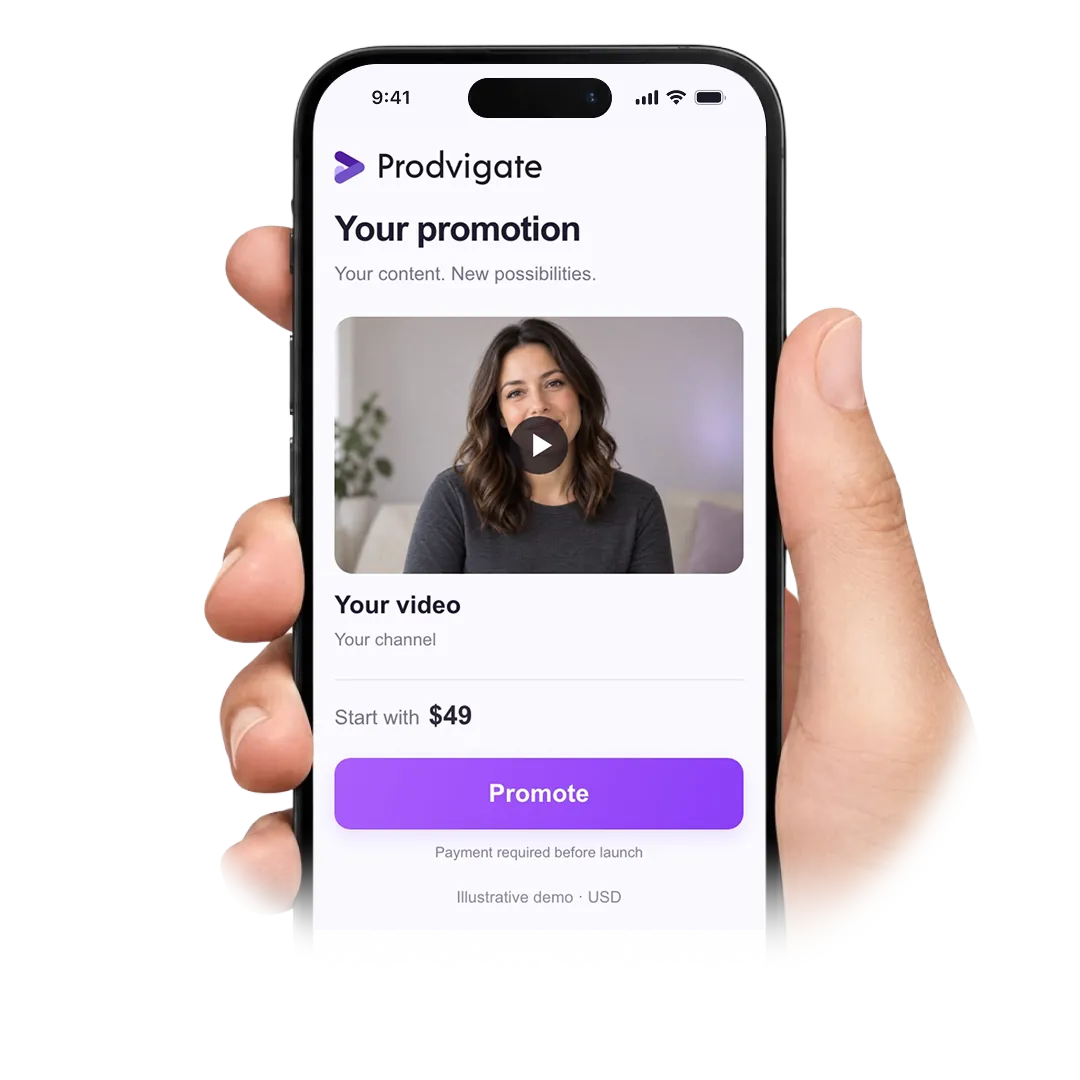
Paste your channel URL, set a weekly budget and decide who the campaign should reach — countries, age, interests.
Confirm the budget
Pay by card or PayPal, or top up your Prodvigate balance and spend from it. You can change the amount later.
Ads go live
Once the campaign passes Google review, your videos start appearing next to content your audience already watches. The review usually takes a few hours.
Watch the first numbers
Impressions and views appear in your dashboard from day one. What follows — subscribers, likes, comments — depends on how viewers respond to your videos.
About us
Trusted by 53k+ YouTube channels
What the promotion looks like
Your video here
Your channel name
Your video here
Your channel name
YouTube Suggestions
Your video here
Your channel name
Your video here
Your channel name
YouTube Search
Your video here
Your channel name
Your video here
Your channel name
YouTube In-stream
Start boosting your channel
Google Ads only
Views from people who chose to watch
Weekly budgets start from $49
Google Ads onlyViews from people who chose to watch
The budget stays flexible and follows your targeting
The payment method can be changed at any time
Questions go to our team by chat or email, any day of the week
Why start here
Reliability
Prodvigate is a Google Partner. Campaigns run through Google Ads and payments go through recognized providers. You can pause or cancel at any time.
Efficiency
Our system keeps adjusting the campaign while it runs, so the budget goes to the videos and audiences that respond best.
Convenience
Setup takes a few minutes. After that the campaign is on us — you keep making videos.
Starting out: common questions
What does boosting a YouTube channel with Prodvigate mean?
It means running a YouTube Ads campaign for your channel. We build the campaign in Google Ads on your behalf, so your videos are shown to people who already watch similar content.
What do I need to launch?
The channel URL, a weekly budget and a payment method. Targeting can stay on automatic if you would rather not configure it yourself.
How much does it take to begin?
Budgets start from $49 per week. A smaller budget simply means fewer impressions — there is no separate service fee on top of it.
How soon do the ads start running?
After payment, the campaign goes to Google for review. That normally takes from a few hours up to a day, and impressions begin once the review is complete.
Do I have to choose the targeting myself?
No. You can set countries, age, gender and interests if you want control, or leave targeting on automatic and let the system pick the settings.
Which of my videos get promoted?
Our system reviews the channel and selects videos that fit the campaign. While the campaign runs it keeps the ones that hold attention and drops the ones that do not.
Can I pause or stop the campaign?
Yes, at any point and without a notice period. An unspent balance stays on your account and can be refunded.
What do I see while the campaign runs?
Your Prodvigate dashboard shows impressions, views, spend and targeting settings, so you can follow where the budget goes day by day.
Do you need access to my YouTube account?
No. Signing in with YouTube only speeds up adding the channel. You can paste the channel URL instead and never connect the account.
Is advertising safe for the channel?
Promotion runs entirely through Google Ads and complies with YouTube’s policies, so it does not violate platform rules.
What happens when the first week ends?
The campaign continues at the same weekly budget until you change or stop it. Nothing renews silently — the amount and the schedule stay visible in your dashboard.
Who do I ask if something is unclear?
Use the chat on this page or write to support@prodvigate.com. Our managers answer questions about setup, targeting and billing.
Add your channel and see what a first week of ads looks like
 53K+ Channels have launched campaigns with Prodvigate
 1B+ Ad views reported through YouTube Ads
 590K+ Promoted