Budgets scale up or down without restarting the campaign
Billing details stay editable throughout
A manager is available whenever you want a second opinion
Growing a channel: common questions
What does YouTube growth mean in practice here?
It means running your channel’s videos as YouTube Ads over an extended period, so new viewers keep discovering the channel instead of only the people who already follow it.
How long before the trend becomes readable?
Give it several weeks. A single week shows spend and impressions; a run of weeks is what reveals whether the audience you picked actually watches to the end.
What should I be looking at in the dashboard?
Watch behaviour first, raw view counts second. If people stay with the video, the targeting is close; if they leave early, the audience or the video needs adjusting.
What does a run cost?
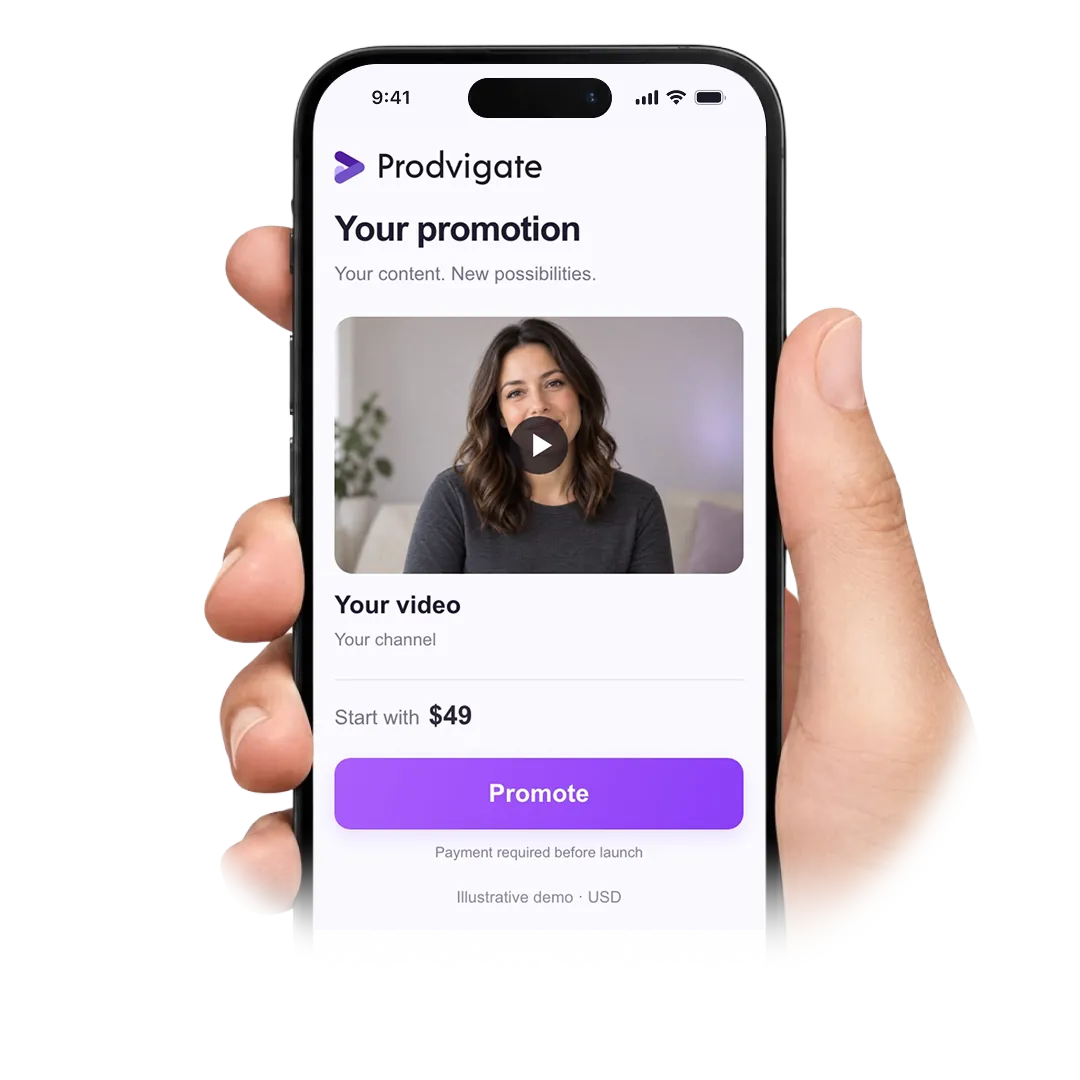
Budgets start from $49 per week. There is no minimum term — the weekly amount is the only commitment, and you set it.
Does the pace of my uploads matter?
It does. New viewers arriving on a channel that publishes regularly have something to move on to. On a channel that has gone quiet, most of them will not come back.
How is this different from organic reach?
Organic reach depends on YouTube deciding to recommend you. Advertising lets you describe the audience yourself and pay to reach it, which makes the volume predictable and the timing yours.
Can I change the budget mid-run?
Yes. Raise it, lower it or pause it from the dashboard. The campaign keeps its history, so you are not starting the learning process again.
My channel is small. Is that a problem?
No. The campaign is built around the audience you want to reach rather than the size of the channel. What matters is having videos worth showing them.
Can I promote more than one channel?
Yes. Each channel gets its own campaign, budget and settings, and each one is tracked separately in your dashboard.
Will the results keep going after I stop?
Impressions stop when the campaign stops. Whatever the campaign brought — viewers who subscribed, videos they saved — stays with the channel.
Is this within YouTube’s rules?
Yes. Google Ads is YouTube’s own advertising system, and every campaign is reviewed against its policies before it is allowed to run.
Can someone look at my channel with me?
Yes. Write to support@prodvigate.com or open the chat, and a manager will go through the targeting and the numbers with you.
Give your channel a few weeks of steady reach and read the trend
 53K+ Channels have launched campaigns with Prodvigate
 1B+ Ad views reported through YouTube Ads
 590K+ Promoted